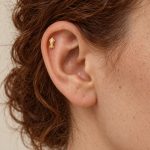

A useful jewelry photograph shows more than a shiny surface. It helps customers understand how a piece is constructed, which details project from it and what additional measurements they need.
For retailers sourcing wholesale metal jewelry, a consistent photography routine also makes it easier to compare products and keep listings accurate.
Give Every Photograph a Purpose
Plan a short image sequence rather than taking several nearly identical front views.
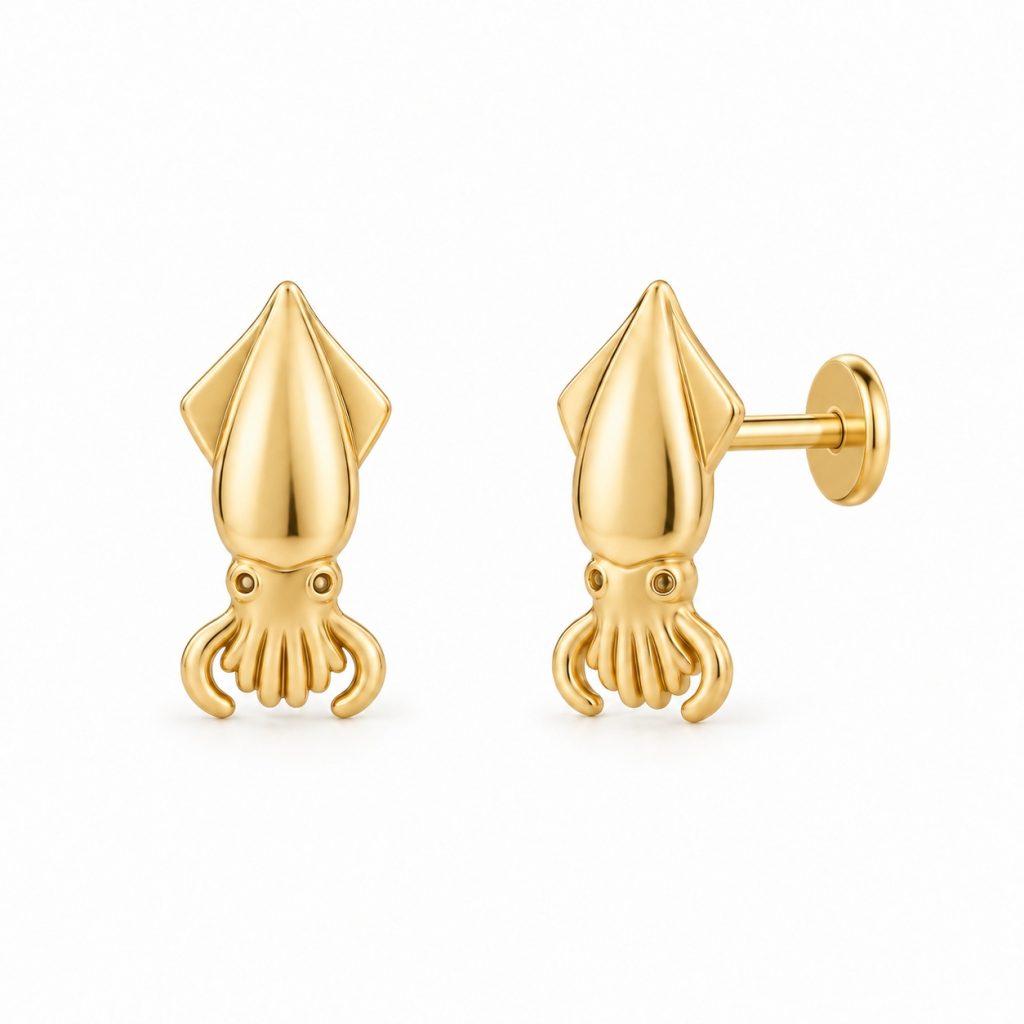
The main image should show the complete item. A side view explains its height and profile. A rear view can show the fastening, an earring post or the inside of a ring.
Add a detail photograph when a texture or connection is difficult to see in the main image. It should supplement the full product view rather than replace it.
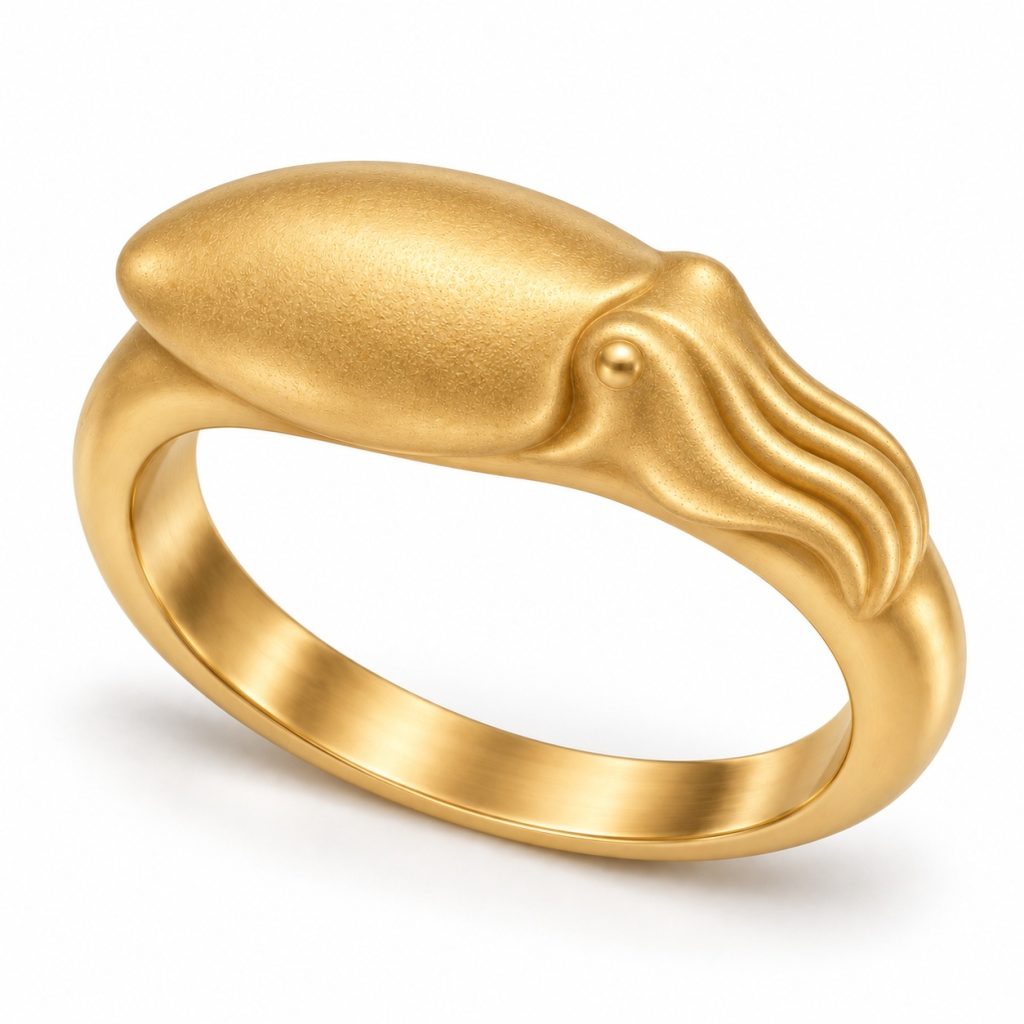
For the Cuttlefish Bangle, front and side views serve different purposes: one explains the animal motif, while the other shows the bangle’s shape and proportions.
Control Reflections Before Editing
Metal reflects its surroundings. Start with soft, even lighting and an uncluttered background. Move the jewelry in small increments until its edges and surface details are visible.
Check bright areas on a larger screen. If they appear completely white, important details may have disappeared into the highlight.
Photograph different finishes under comparable lighting. A change in lighting should not make a silver-tone product look like a different material option.
Keep the camera position and background consistent across related products wherever possible.
Show Scale Separately from Detail
A magnified close-up does not communicate actual size. Include measurements in millimeters and, when helpful, a separate measurement image.
For rings, show the relevant ring size and band width. For necklaces, distinguish pendant dimensions from chain length. For earrings, make the decorative front and fastening easy to identify.
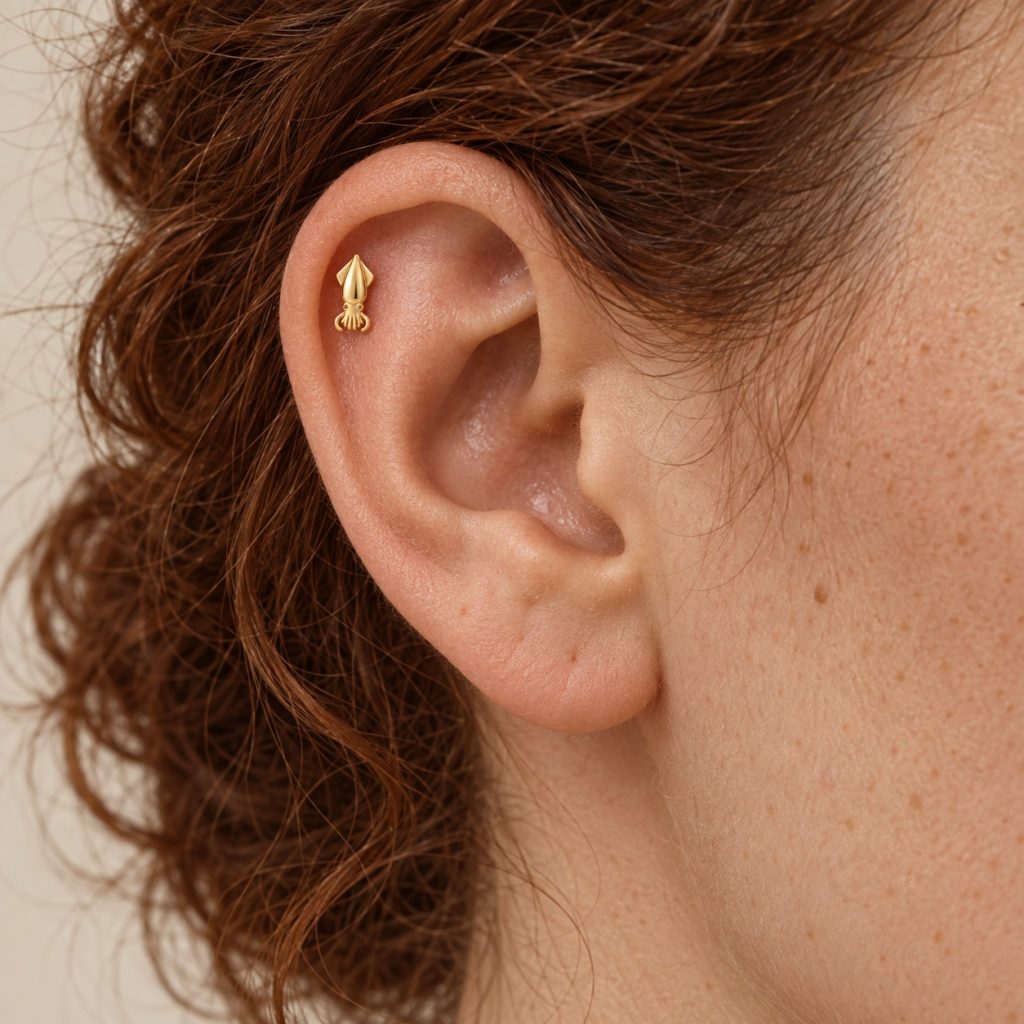
Wearing photographs provide styling context, but perspective and body proportions affect the apparent scale. Keep written dimensions available even when a model image is included.
Edit the Photograph Without Redesigning the Product
Adjust exposure and white balance carefully. Remove background dust without changing the actual surface, cuff opening, clasp shape or decorative details.
Keep an unedited original and connect the finished photographs to the correct SKU and variant. A filename such as sku-gold-tone-side-view.jpg is easier to manage than a random camera number.
Write image alt text that describes what is visible. A concise description is more useful than a string of product categories and country names.
Check Images Against the Approved Reference
Before publishing, compare the photographs and listing details with the same approved sample. Our wholesale metal jewelry sample checklist provides a framework for recording those specifications.
Keep design visualizations clearly labeled. They should not accidentally be presented as photographs of an existing physical sample.
Browse the Lumabara collection for product examples. If you need additional views or technical information for a listing, contact us with the relevant product link so the request can be matched to the correct design.